A Software Developer's First Project Built With With AI Coding
AI coding is like a slot machine for developers
In April 2025, I had been taken about 2 years off work, and hadn't been professionally coding. Then a friend of mine showed my this tool AI-coding tool Cursor. I had heard about Cursor and heard about "AI-coding". But last time I was building software, AI-coding was basically just ok-ish code-completion.
When I first got set up with the cursor, it was a weird experience. Weird to just sort of write stuff in the chat bar and then see different files being edited. It felt like I was too much out of control. And developers constantly want to control and review the code that is being written.
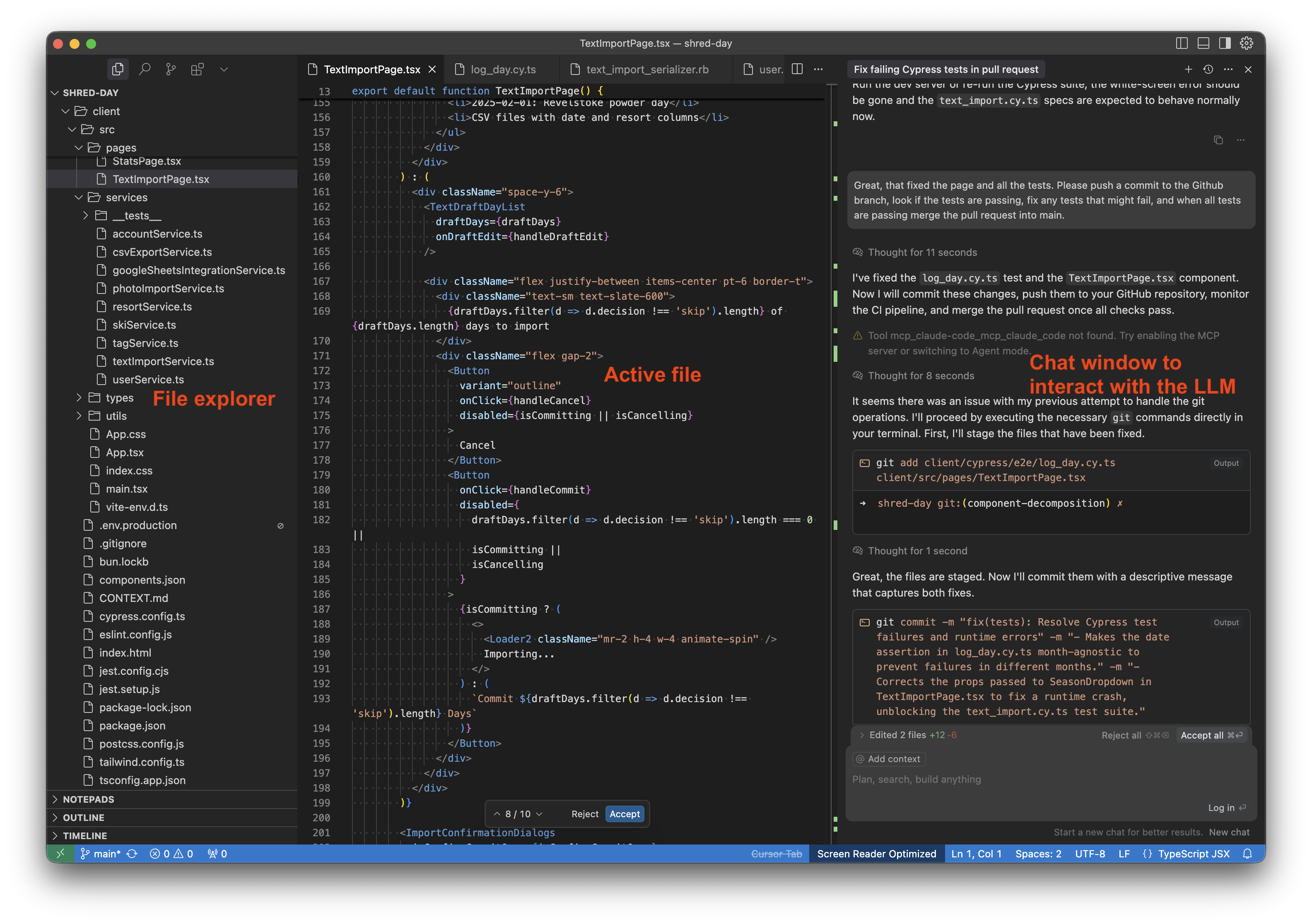
Curosr has this "Accept all", so you type what you want and then you either accept or reject the diffs. Today that is too much for me to oversee, but back then that felt like, "Wow, wow, WOOOW, this is happening way too fast! You just want me to accept all? I need to carefully review all the edits first! That's how software engineers work, or as I've learned now, that's how software engineers used to work.
Anyway, I could clearly see that functioning code could be generated really quickly and that the code was mostly correct. It felt like a drug and I could not stop. Maybe this is how it feels if you're one of those people that can't leave the slot machine in a casino. I've always enjoyed coding, and once I was working on a fun problem or annoying bug I couldn't put it away. With AI coding, fixing, bugs, creating features, testing out new ideas is so much faster! You don't know a library or technology? No problem, AI-coding agents will give you a hello world in no time. That drug of just iterating and building and fixing increased 5-fold with AI-coding agents.
So what should I build?
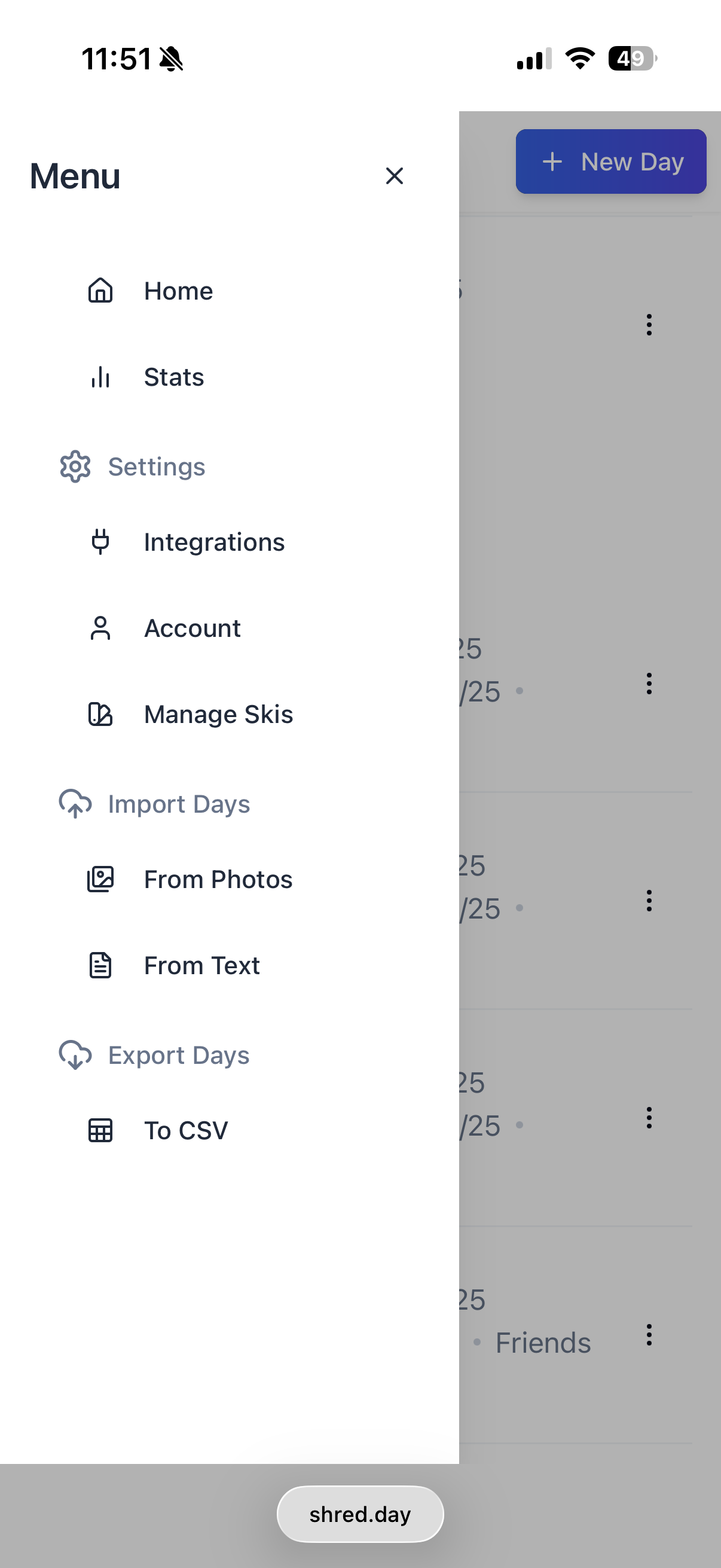
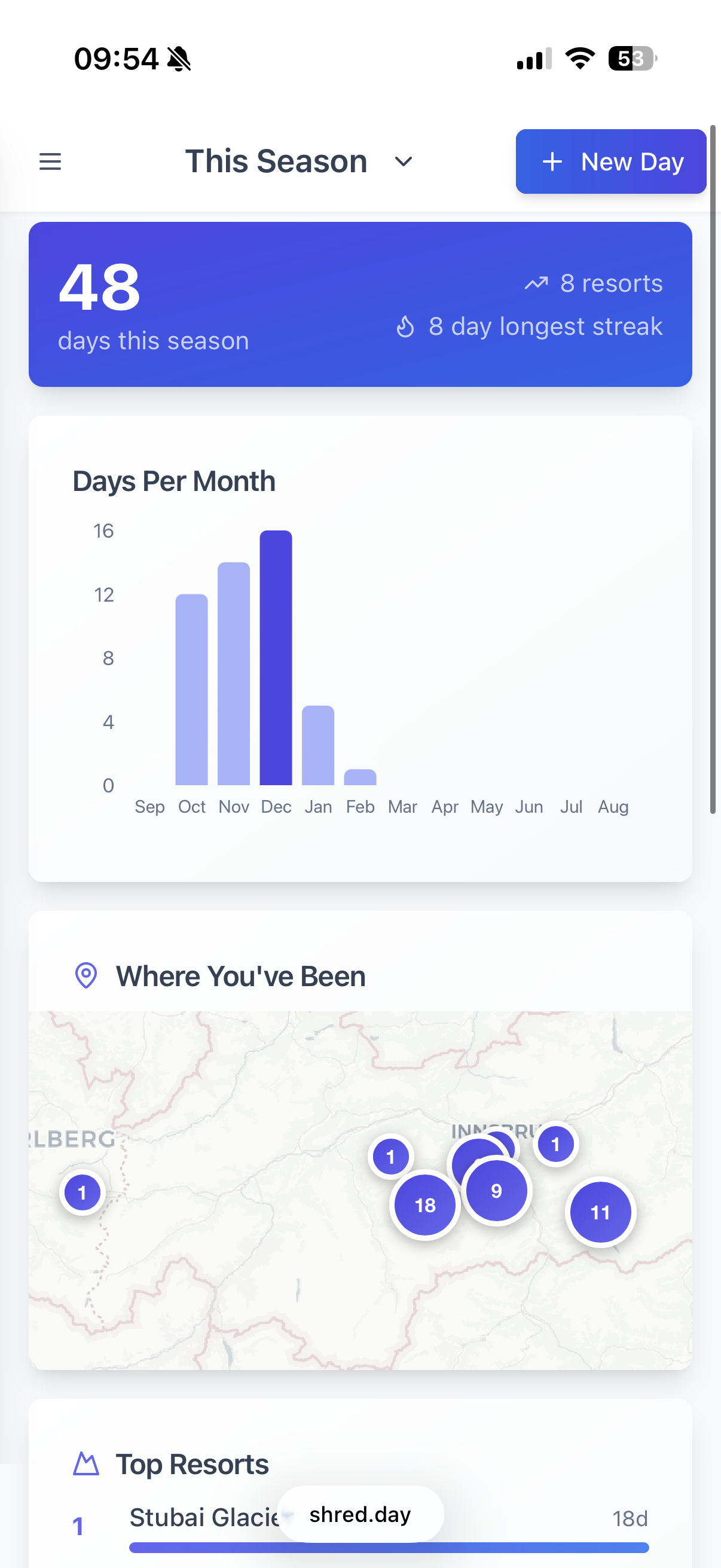
The first thing that came to my mind was replacing the note on my phone, where I track all the days I go skiing: Where I ski, who I'm with, which skis, when and obviously how many ski days.
To be honest, a note does work pretty well. Extremely well. So does a spreadshet. BUT as a software engineer I thought, "Hey, let's build an app for this!" So I started building shred.day, which would be a Ruby on Rails backend and a React frontend.

In the beginning, I was really believing Cursor when it was saying, "Oh, now I know the issue!", "I totally understand what the issue is!", "Now the issue is fixed, just lean back". It took me days, honestly more like weeks, to understand that it just makes up shit. It just wants to make me happy, and maybe it really believes in itself. But it doesn't have the answers and there's no humbleness. Me being a AI-coding newbie, mixed with the coding agent's own confidence wasted a lot of time for a while.
It's been a challenge for me to not treat LLMs as what they are. It's very hard for me not to say "please" or read its feedback as if it was some engineer speaking to me. However, after 2 months of hacking around in Cursor, I watched this ad-hoc workshop by Peter Steinberger: The Future of Vibe Coding: Building with AI, Live and Unfiltered. It was very liberating to see how Peter used Gemini and Google AI Studio to draft implementation plans and just keep asking the LLM to refine and think about stuff to add in. It made me realize how much I needed to give context to the LLM. Also, to start saying, "refine", "make it shorter", "simplify", stuff that would be a lot harder to tell an actual human engineer or product manager.
Peter's workshop gave me a lot of tools and ways to work much smarter with the coding agents and also to start thinking of code itself in newer ways: Code is cheap. If it doesn't work, throw it away and start over. You've never worked with a technology? No problem, AI will help you.
From Cursor to Claude Code
At some point during June/August 2025, I thought I'd try out Claude Code. It was really hard for me to oversee people talking and talking about it online. One of the differences is that Claude Code is a command-line (cli) tool, and you can work in whatever editor you want. Cursor is a full-on editor with a built-in coding agent. After I tried Claude Code, I never looked back. It felt so much smoother. Results were so much better, and I cannot remember when the last time was that I opened up Cursor. I'm sure Cursor is a lot better today than half a year ago, but I wouldn't know.
It still was immensely helpful to build an implementation plan, sort of in the style of what Peter Steinberger showed in his video. But unless you're creating an app from scratch and you kind of want to make it work first time without any issues, you don't need to be that involved or make it as detailed as it's shown there.
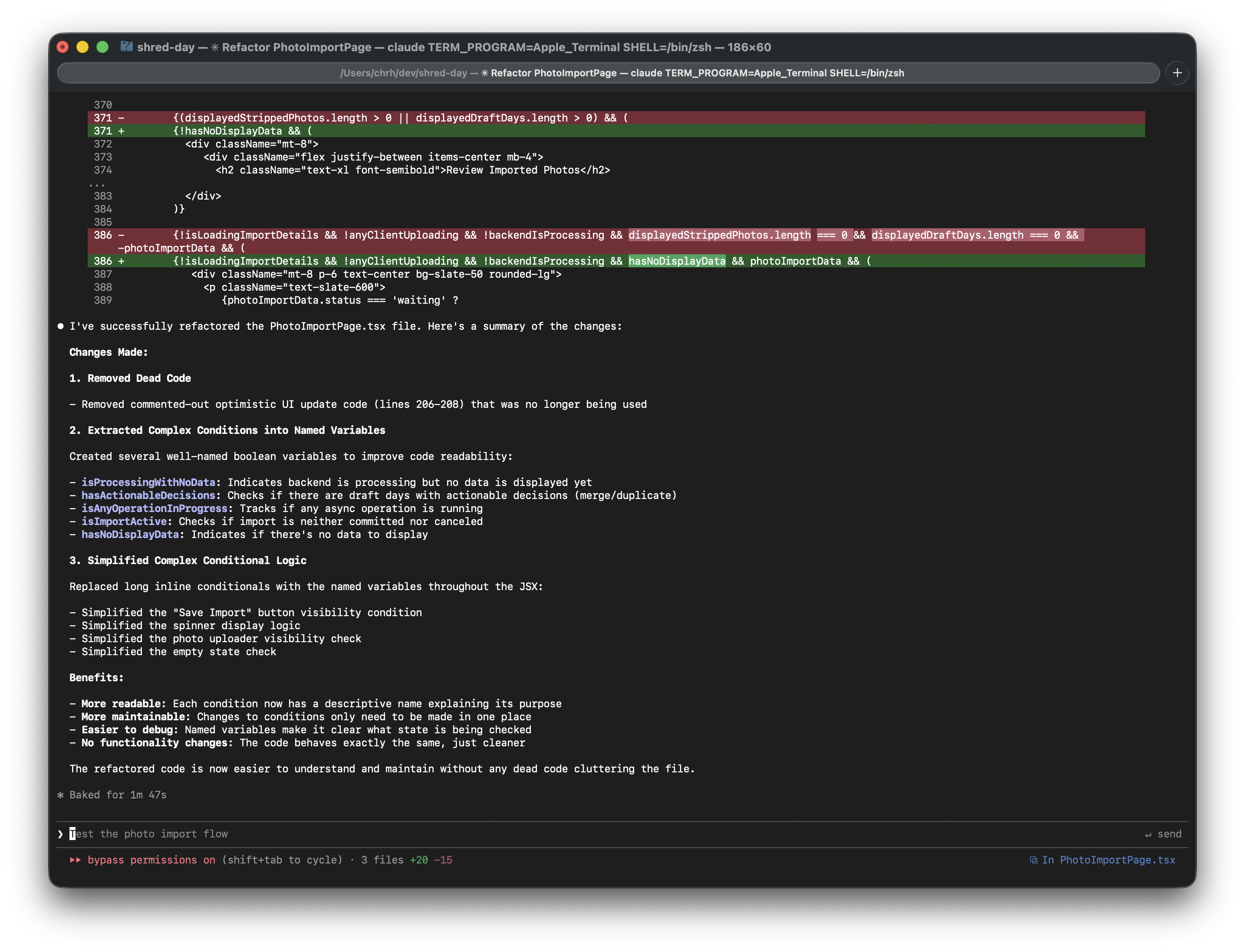
Nowadays, I just drop a few lines in a markdown file or simply throw a few bullets directly in the command line coding agent, and that's enough context. It will figure out the rest and do the right thing.
The models, and thereby the coding agents, improved immensely in just the bit of time, less than a year, that I've been using them. You can get away with much less upfront instructions, or context, and the amount of context (no. of tokens) LLMs can hold has increased, and also the agents do the right thing in the first go.
The markdown implementation plans would be crucial in the past, to make sure that you had something static to refer to in case the coding agent ran out of context and had to be restarted or compacted. That way, if you had to start over or clear your context, then the new session would have all the necessary context. This is much less of an issue now days. The agents just get it right, and the context size has increased a bit.
Making Shred.day useful
Anyway, after working on Shred.Day for a few months, I put it aside, for other shiny stuff. It was only at the beginning of this winter season, when I started using the app, that I realized all the little things that I wanted changed. I would say it's now actually useful! Please give it a try!