Building Innput: End-to-end encrypted forms
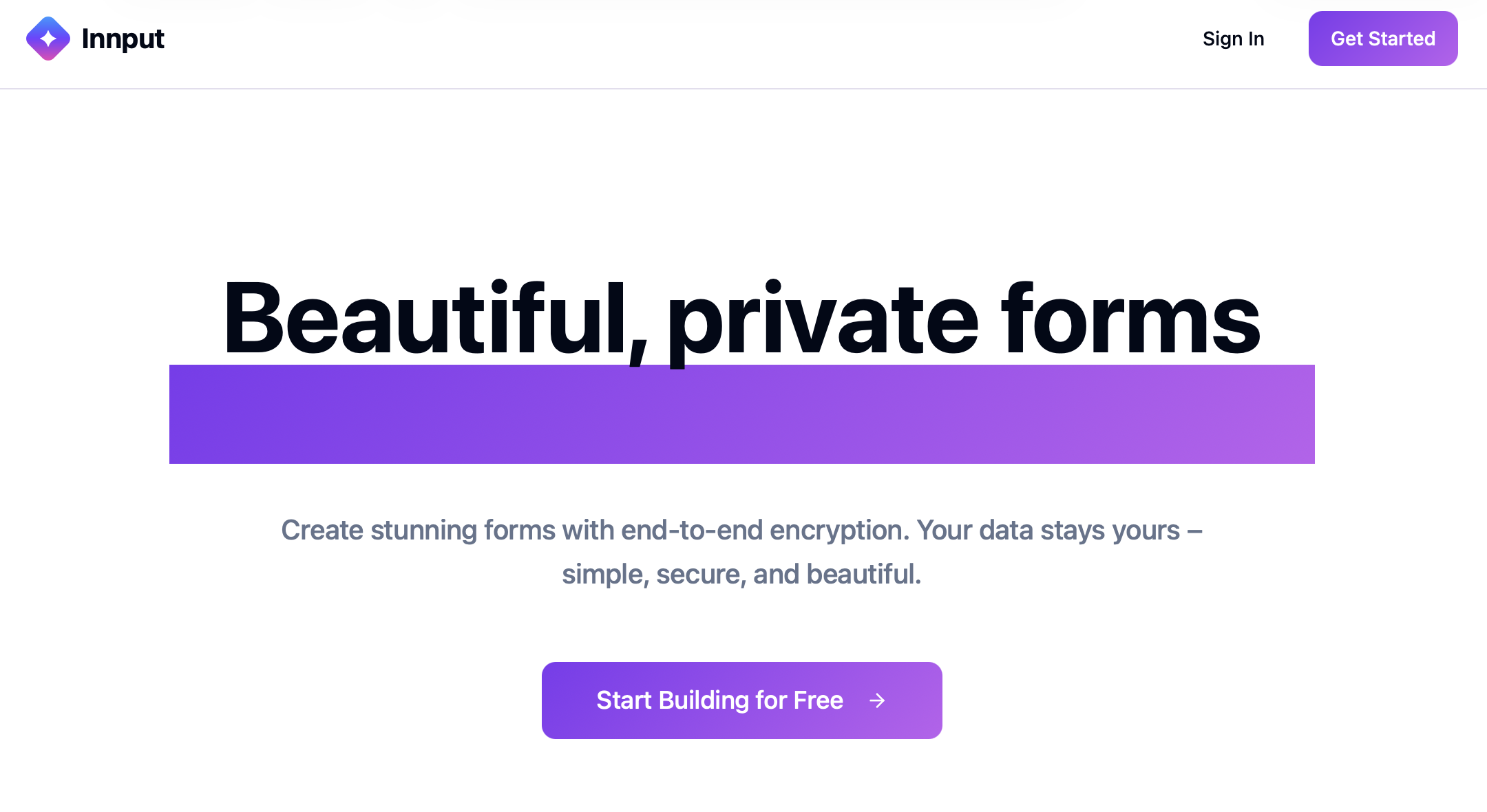
Why build an end-to-end encrypted form builder?
It's pretty much the default nowadays that SaaS applications are storing all your data in clear-text. Sure they might say “encryption at rest” and shot like that, but they hold the keys and probably that's even offloaded to their cloud provider. They don't even see the keys, so for all the SaaS vendors know, then everything is in clear-text.
In our private lives, end-to-end encryption is slowly creeping in and doing so without downsides. We see it in iMessage, we see it in Whatsapp, we see it in Signal. We see it in our cloud file backups. Some of this “invisible e2ee” can also be used in B2B applications, with huge security upsides and negligent downsides.
Why let your data be how you pay for the service? That's why I built Innput.app.
How E2EE works in Innput
I'll not go into deep technical details about how end-to-end encryption is done. There are plenty of articles about that and plenty of tools. And the tooling has reached a maturity where you don't need to know as much as you did just five years ago.
Really, it's about getting value out of these end-to-end encryption tools. All you need to know is that end-to-end encryption means your sensitive data is encrypted before it leaves the browser, and the key (cryptographic key) to encryption is only known by you. You can then decide to also share this key with someone else that should see your data or encrypt a copy with someone else's key.
A cryptographic key can be derived from a long set of random characters. Think of it as a password, but not “123456”, a password that is actually unguessable, e.g. “2Y4VeJ4X!*Qri4gcLpMU” or “claw-astray-hallowed-pickled-okinawa-migraine”. If you think those are anything more than examples, you should not attempt building into an E2EE web app. Probably not even regular web apps unless they’re just hobby projects.
How end-user submissions are encrypted
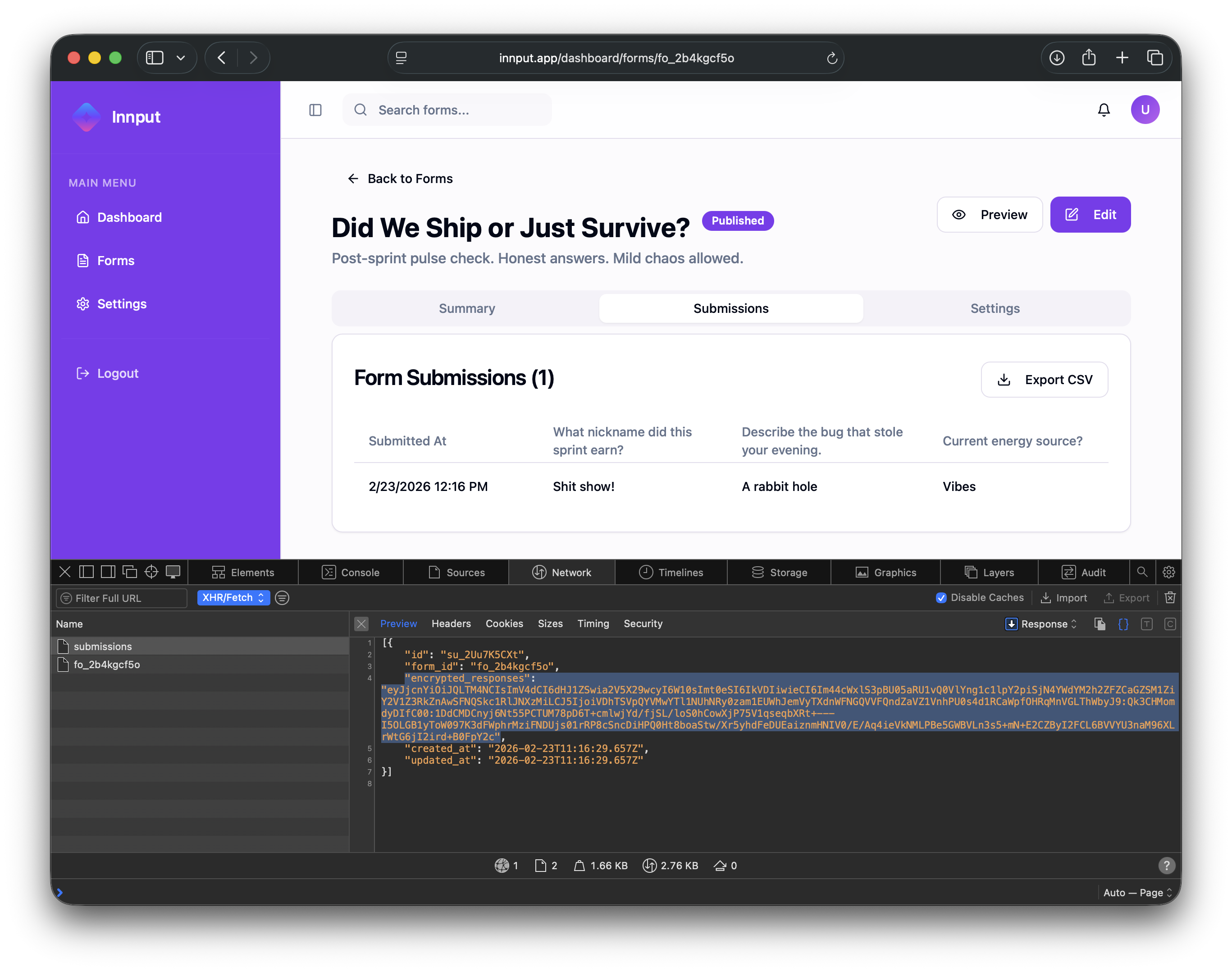
When a form is presented to a user, it includes the public key (it’s not secret) of the team member that needs to read the form. On the client (the browser), a symmetric key is generated just for the submission. This key is used to encrypt the submission content. Then, the symmetric browser-generated-key is encrypted with the public key that the form included. So, the encrypted submission and the encrypted symmetric key is sent back to the innput backend. All the usual HTTPS and other security controls you would have in a web app still apply still applies
Later, when a team member wants to read the submission, they will decrypt the symmetric key with their private key (it is the public key for this private key we included in the form that the user submitted). With the decrypted symmetric key, they can decrypt the submission content. All of this encryption, decryption, and wiring up is obviously handled invisibly behind-the-scenes. And again, it doesn't happen on the server; it all happens in the browser. It couldn't happen on the server because then the server would have access to the private keys of team members. When submissions keys are decrypted, then the server would also have access to those submission keys. So all of this encryption/decryption has to happen in the browser.
But we don't encrypt the whole submission. Let's say multiple choice, long text, uploads of files as one big opaque blob. We encrypt each field individually so that it can be stored, structured on the server. That's a trade off. Because just seeing whether content is there or not or which types of fields a form consists of is a bit of a leak. But this is a decision we've decided so that the user interface is more usable for end-users and team members.
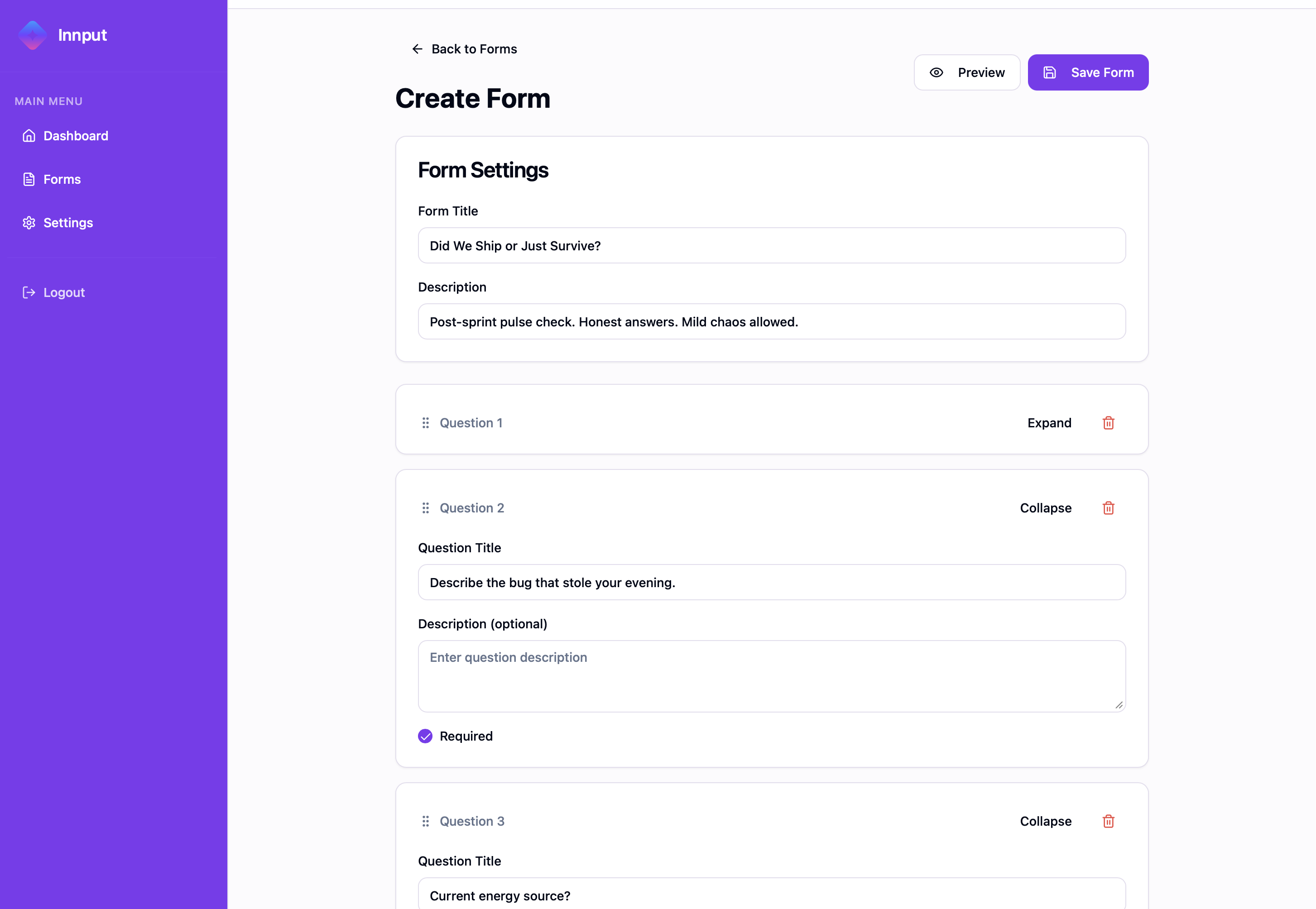
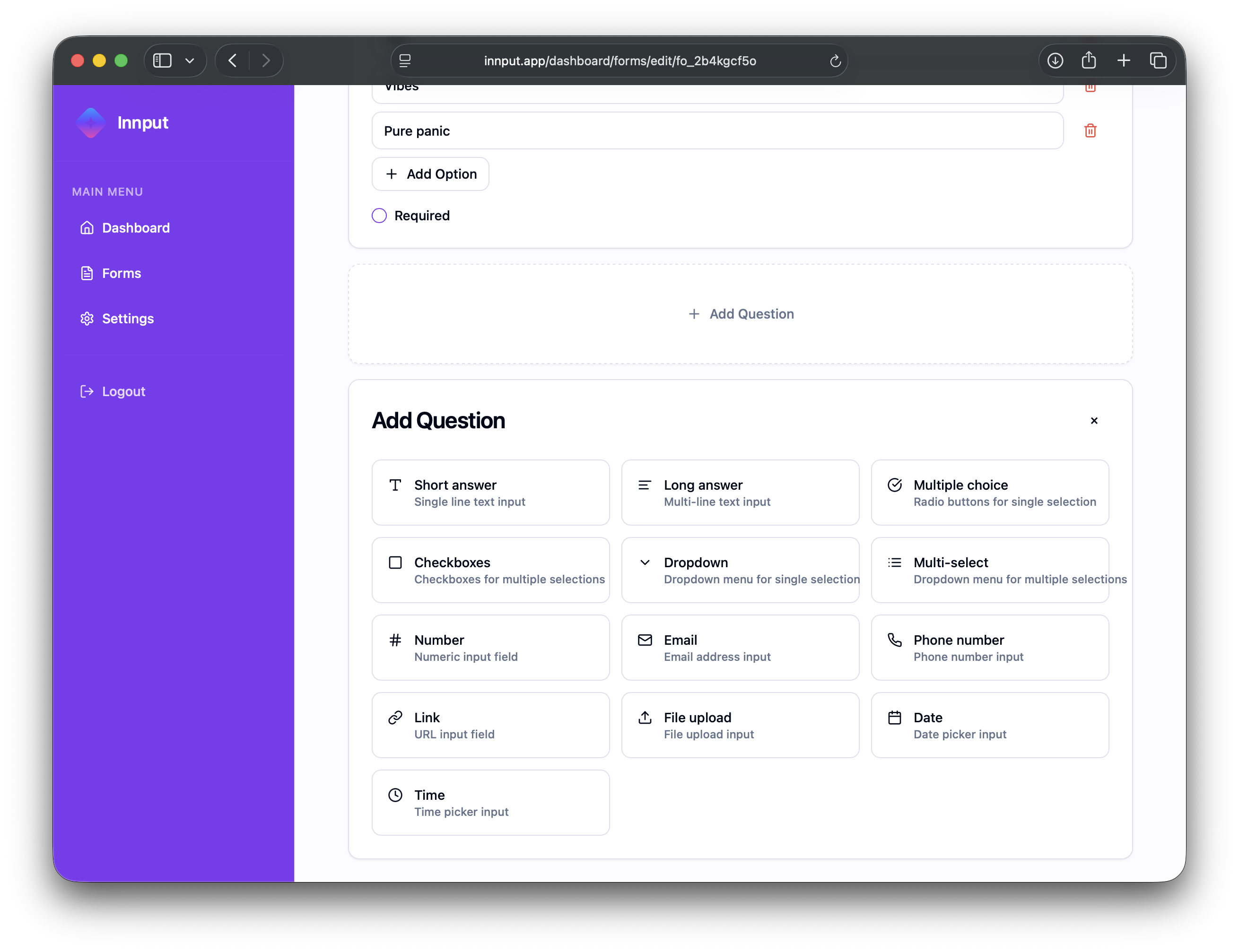
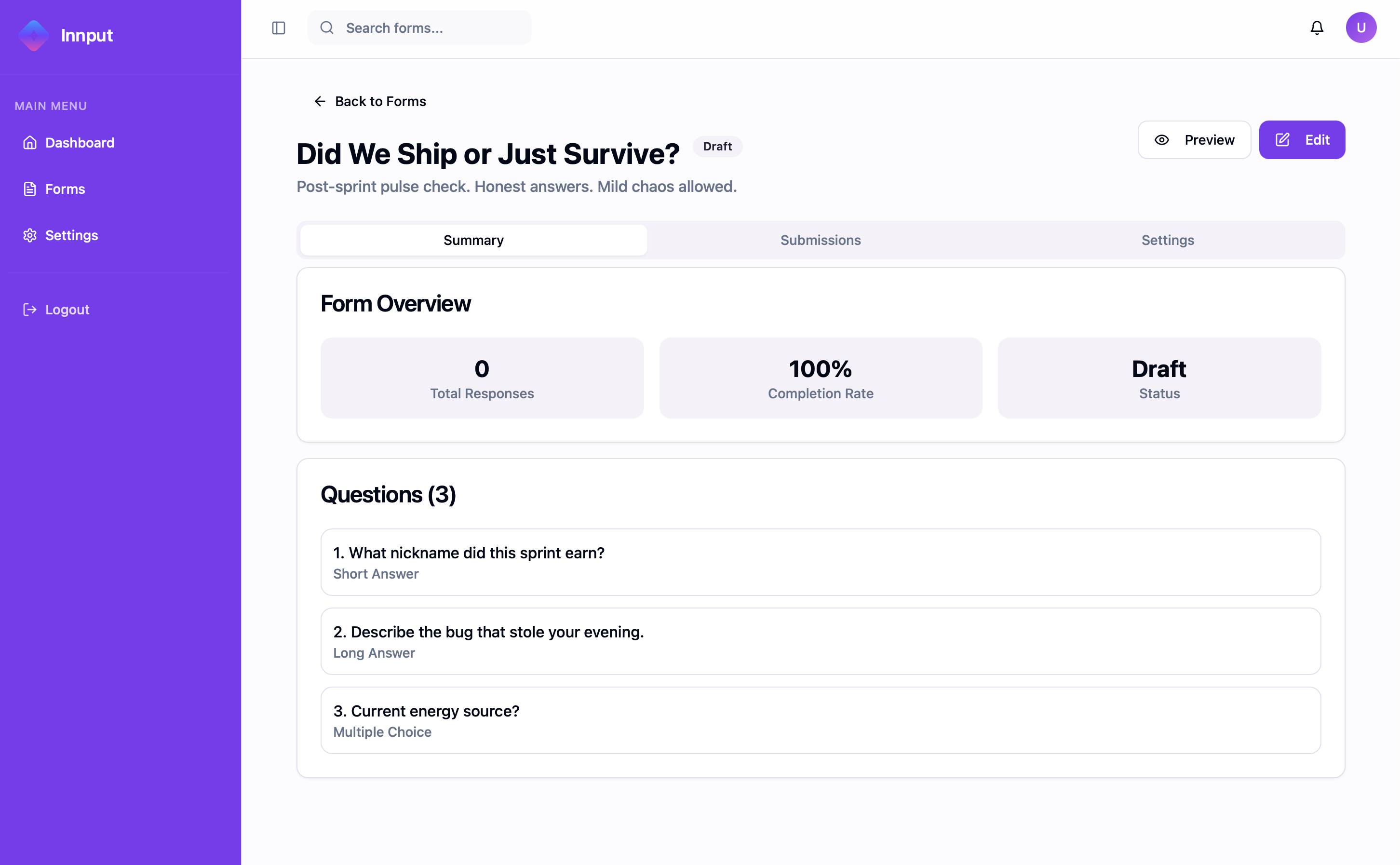
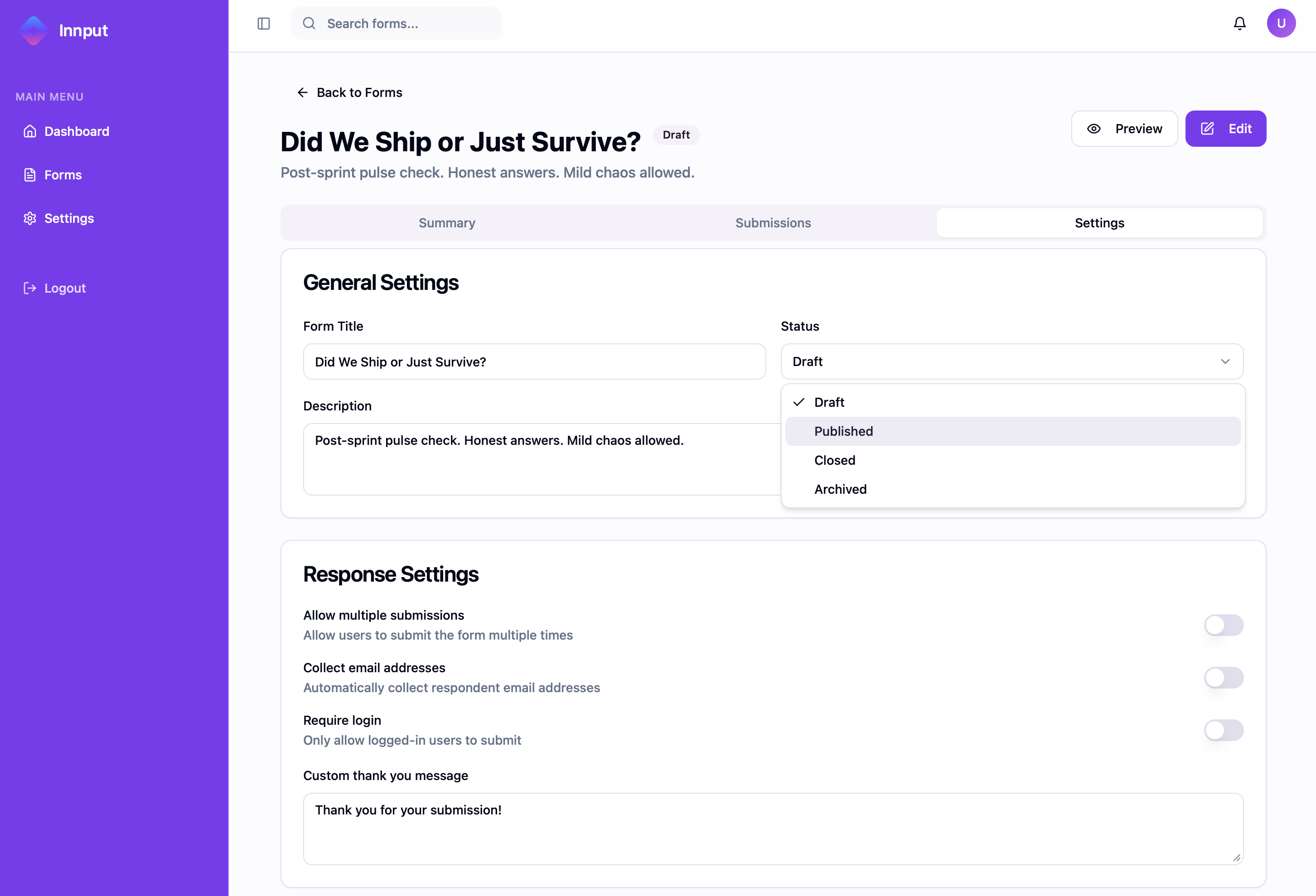
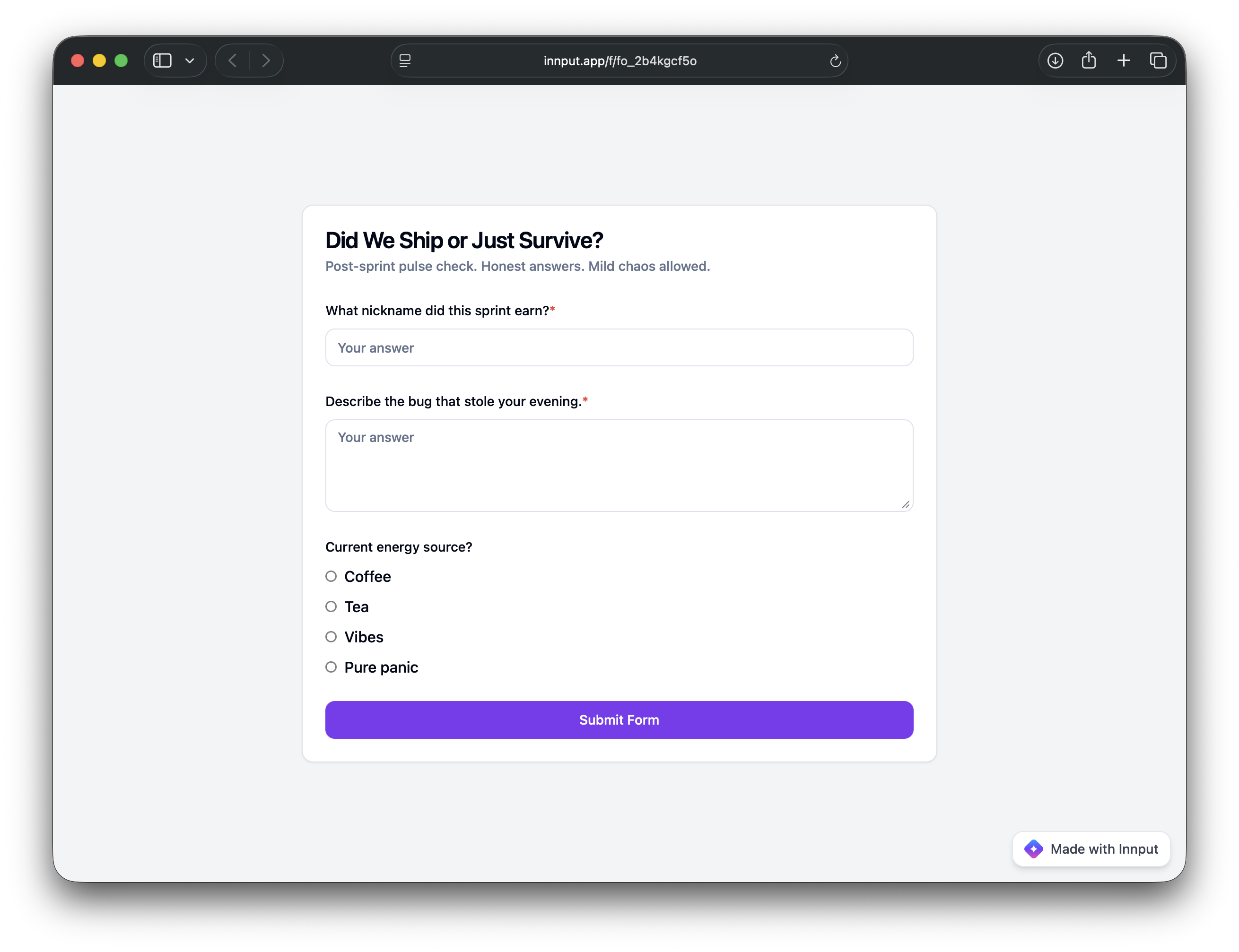
Screenshots
Conclusion
This was a fun project. I turns out building E2EE web applications nowadays, is totally doable - especially with the help of AI coding agents. Modern browsers support Web Crypto APIs natively, so there's less risk of relying on 3rd party cryptographic Javascript libraries.
A challenge with E2EE SaaS apps is integrations. Integrations that receive data (e.g. an embedded Innput form on a a customers own website) is straight-forward – we would just do client-side as we already do if data came in directly in innput.app.
Integrations that sends data are challenging. When the backend can't access clear text data, it's not straight-forward to send submissions (form answers) to a synced Google Sheet, Notion, Zapier, or elsewhere. There are ok-ish solutions: You could either keep the strict security model and use homomorphic encryption now that libraries implementing this exist. Alternativley, you could trade off some security, and allow the customer to run your code in an environment they control, e.g. AWS/GCP/Azure or their local machine.
But that's a challenge for another time.
Links
Innput: https://innput.app.
Source Code: https://github.com/chrhansen/innput